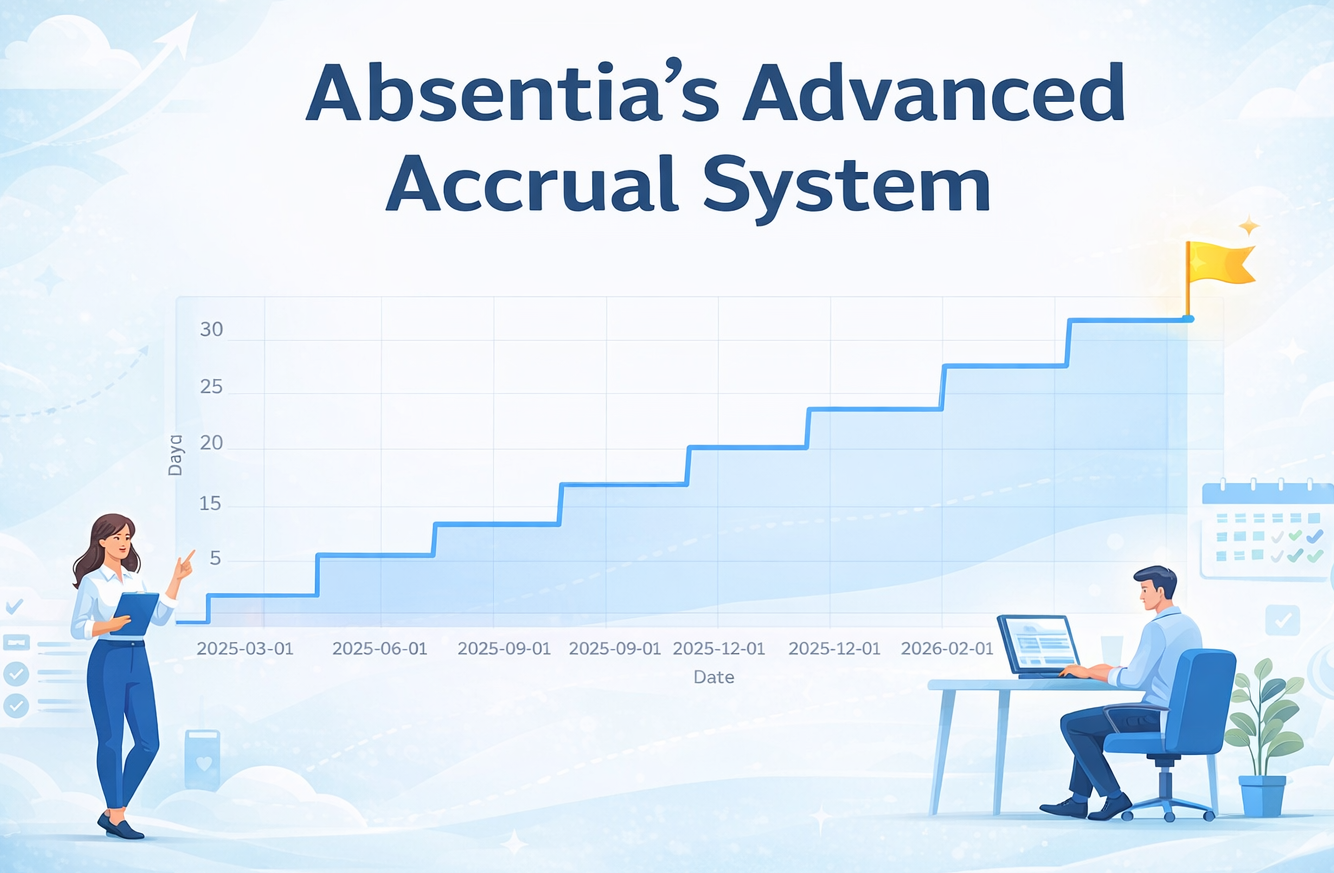
Absentia's Advanced Accrual System
Take control of your company's liability and offer employees ultimate transparency with our granular, per-employee annual leave accrual system.
In modern workplaces, a "one size fits all" approach to holiday allowance rarely works. Absentia's new accrual engine moves beyond global company settings, allowing you to tailor how leave is earned for every single member of your team.
Tailored to Every Contract
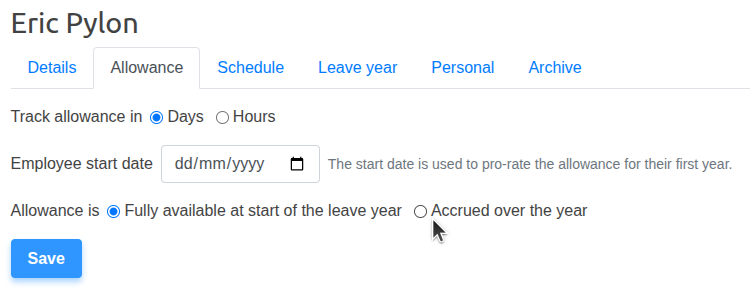
Different roles often come with different terms. Whether you have contractors earning leave daily, new starters on a probationary drip-feed, or senior staff with upfront allowances, Absentia handles it all at the individual level.
Flexible Vesting Schedules
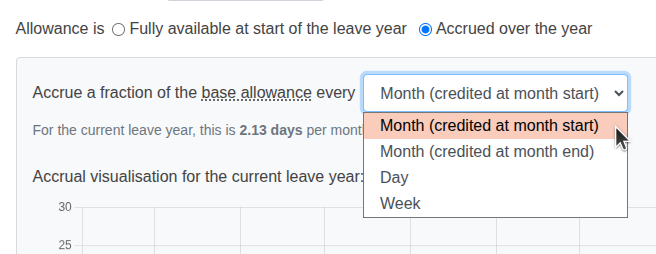
Choose exactly how leave is "unlocked" for your employees. Our system supports multiple accrual frequencies to match your payroll or regional requirements:
- Monthly (Start of Month): Credits leave on the 1st, keeping employees happy.
- Monthly (End of Month): Credits leave as it's worked, protecting the business.
- Weekly: Ideal for weekly-paid staff or high-turnover industries.
- Daily: The ultimate "drip" system, where leave grows slightly every single day.
Transparency Through Visualisation
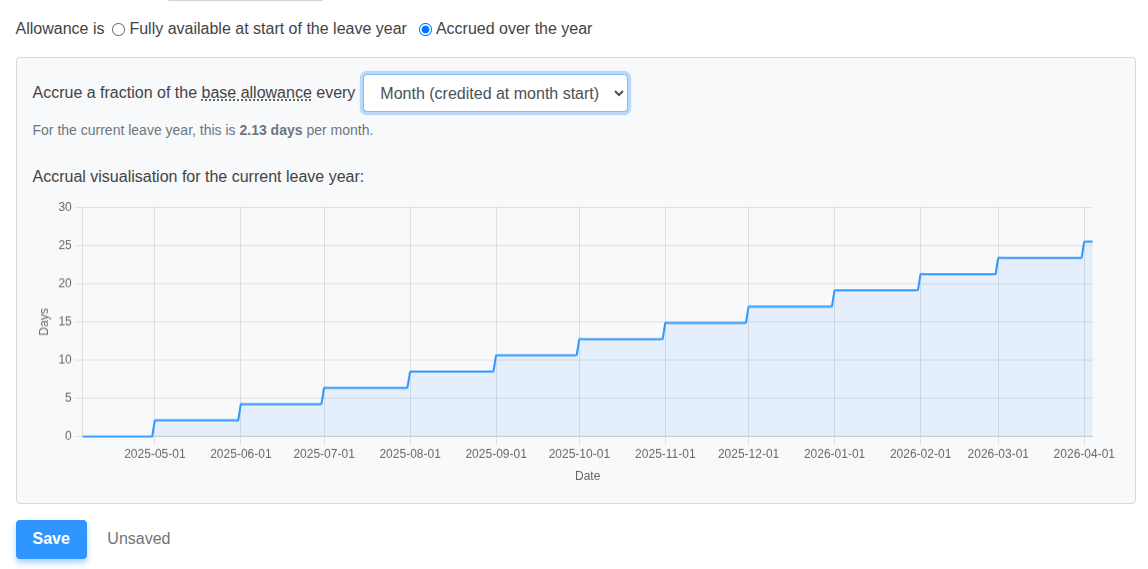
Employees no longer have to guess how much leave they'll have by summer. Absentia provides a beautiful, real-time chart showing their projected accrual across the entire leave year.
Plan Ahead with Future Booking
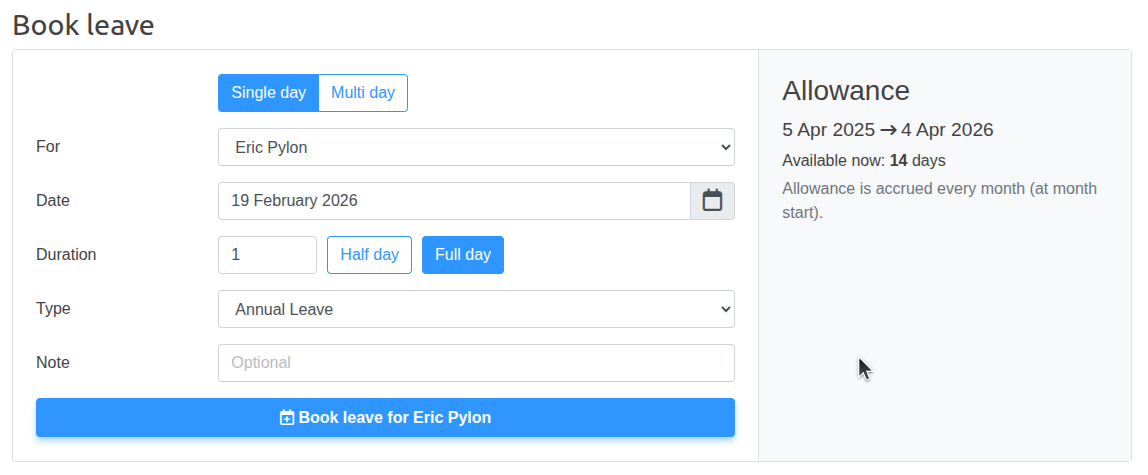
One of the biggest pain points of accrual is booking holidays in advance. Absentia solves this by allowing employees to book leave against what they will have earned by the time their holiday starts. Managers can toggle this on or off at the company level to suit their risk appetite.
Never Lose Earned Leave
Accruing leave late in the year shouldn't mean losing it on New Year's Eve. Our system integrates directly with our Carry Over engine, warning you if an employee's accrual schedule might lead to expired leave, and prompting you to enable carry-over protections.
Ready to modernise your leave tracking? Head to the 'Allowance' tab on any user profile to start configuring their custom accrual schedule.